



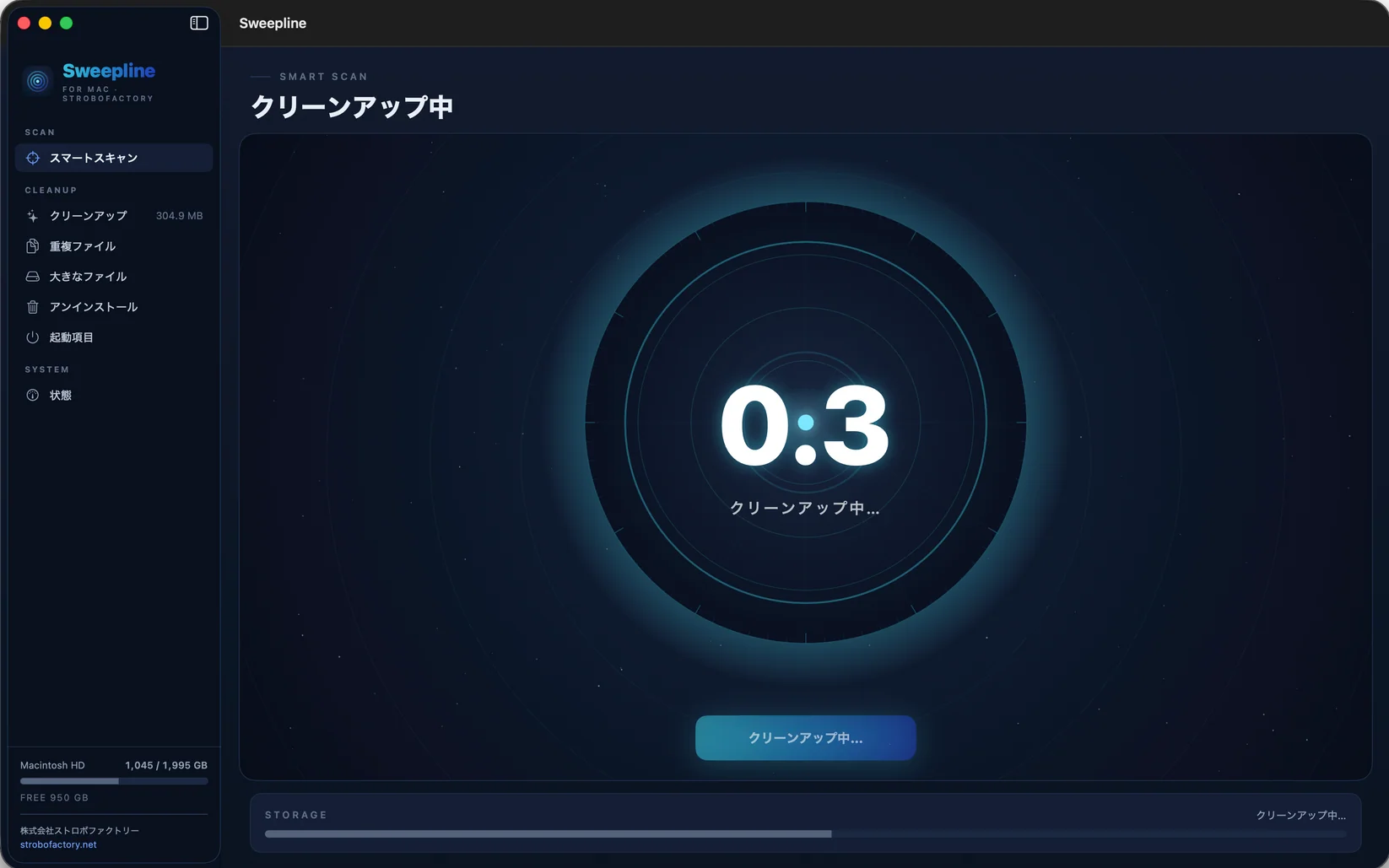
SMART SCAN
See the whole picture
Scan your Mac and see where reclaimable space is
A CLEANER MAC
Find what is taking up space
review it before you delete
that's Sweepline
WHY SWEEPLINE
When your Mac starts running out of storage the first job is not to promise a faster Mac It is to see what is taking up space and remove what you do not need
That is why Sweepline does not promise speed boosts or vague optimization It shows how much disk space you can actually reclaim
If it is 0.8GB it says 0.8GB If there really are tens of gigabytes to clear then it shows tens of gigabytes
And freeing space is pointless if it means losing files you care about
Measured onlyWe only show space that can actually be reclaimed
Review firstCheck what will be removed before it goes to Trash Restore it if needed
Risky areas stay outSystem-managed locations are excluded from detection from the start
Everything in Sweepline is there for one job reclaiming storage safely
02 / FEATURES
Everything you need to see and reclaim space
SMART SCAN
Scan your Mac and see where reclaimable space is

CLEANUP
Review caches logs temporary files and developer junk

DUPLICATES
Compare file contents with SHA-256 to detect matching files

LARGE FILES
Surface large files and reveal them in Finder

UNINSTALLER
Remove the app and related leftover files together

STARTUP ITEMS
Inspect LaunchAgents and Daemons and remove what you do not need

STATUS
Read-only view of CPU memory and disk usage
03 / HOW IT WORKS
01 / MEASURE
We show only the storage that can actually be reclaimed
No inflated numbers Just what is really on your Mac right now
02 / CONFIRM
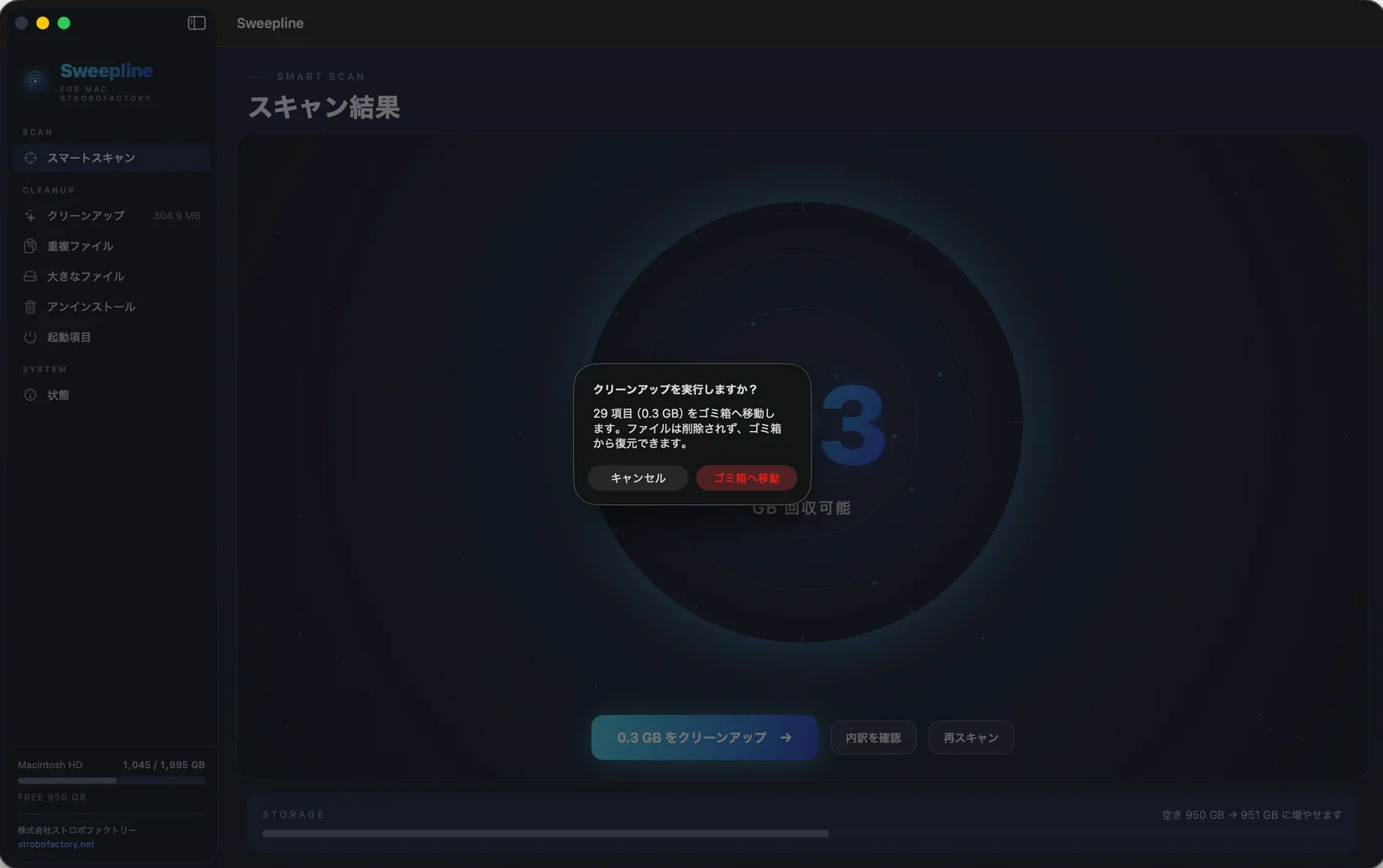
Sweepline does not delete files just because it finds them
Review the targets first then move only what you choose to Trash
03 / PROTECT
System-managed locations such as /System and Xcode CoreSimulator are excluded from detection
Instead of asking you to be extra careful Sweepline is designed to make mistakes harder to make
Apple notarized
05 / FAQ
Sweepline does not permanently erase files It moves them to the macOS Trash You can review deletion targets before running cleanup and system locations that should not be removed such as /System and Xcode CoreSimulator are excluded from detection
No Sweepline focuses on finding unnecessary files that actually occupy disk space and reclaiming that storage It does not include memory optimization or performance boost features and the reclaimable capacity it displays is measured
Sweepline is a ¥2,980 one-time purchase with no monthly or annual subscription One license can be used on up to two Macs If you replace a Mac you can deactivate the old Mac and use the same license key on the new one
Sweepline supports macOS 14 Sonoma and later on both Apple Silicon Macs and Intel Macs
After purchase we email you a download link and license key Sweepline is Apple notarized and installs by moving the app from the DMG into your Applications folder New versions can be checked and installed from inside the app and updates are free
Duplicate files are compared by content using SHA-256 rather than filename and hard links are not treated as duplicates Internet access is required for initial license activation After that Sweepline can be used normally offline
Sweepline for Mac
2,980JPY
Buy for ¥2,980